

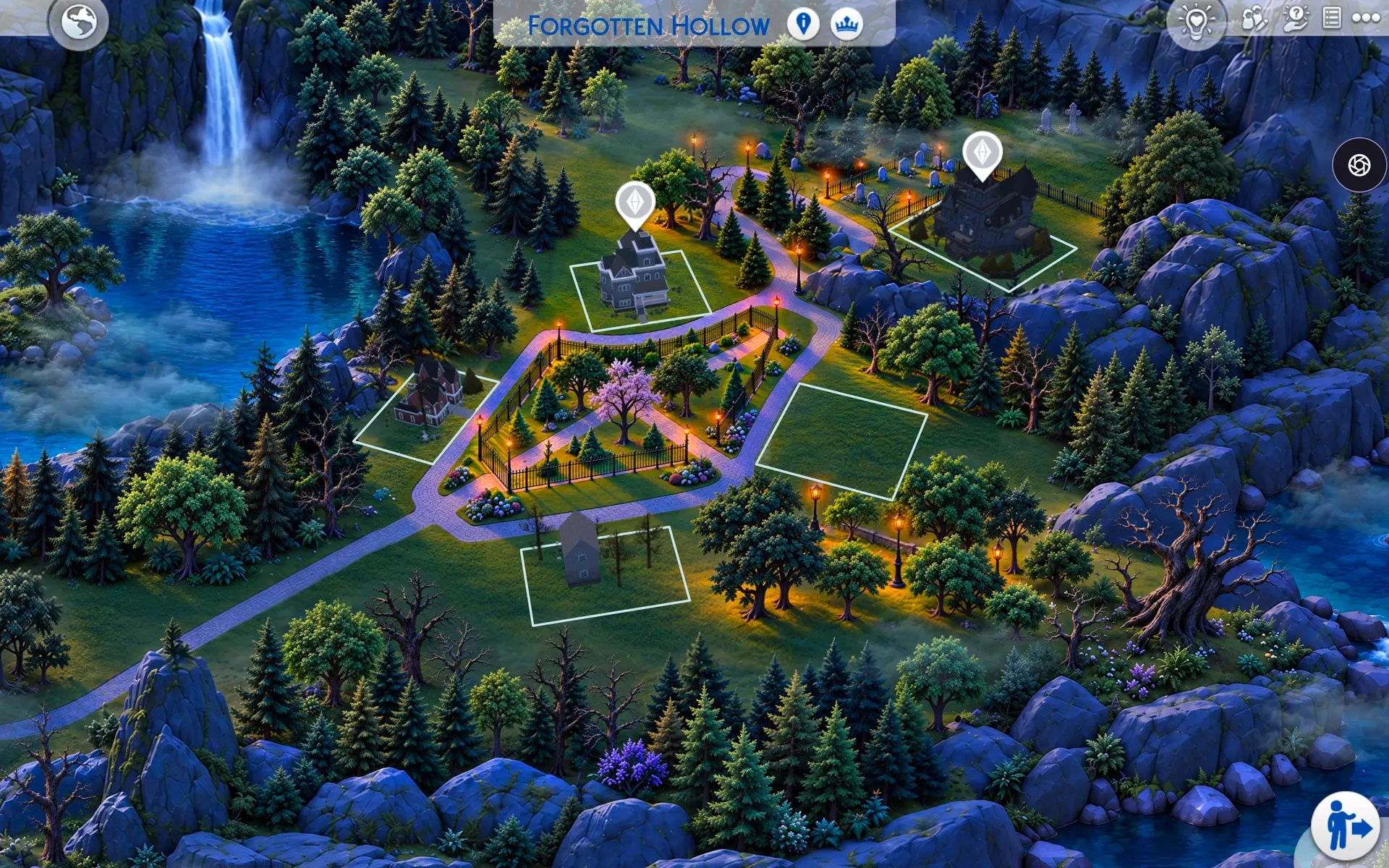
See the animation
The map is static on its own. For the animation shown here, download and install both the map and the optional animation addon.
Forgotten Hollow
Forgotten Hollow's original map design, redrawn in my style with more detail and sharper definition. Animation is available as a separate optional addon.
About this map
I've kept Forgotten Hollow's original map design and redrawn it in my own style, with more detail and sharper definition. The focus is on the quality and finish of the artwork, while preserving the world's familiar composition and layout.
You can use the static map on its own. If you want the moving waterfall, mist and lamplight shown in the video, download the optional animation addon as well and install both files. Both downloads are free after signing in.
What's different from the original Forgotten Hollow
Forgotten Hollow keeps its original map design, composition and layout. I've worked on the artwork's style, quality and definition. The optional addon animates the waterfall, mist and lamplight.
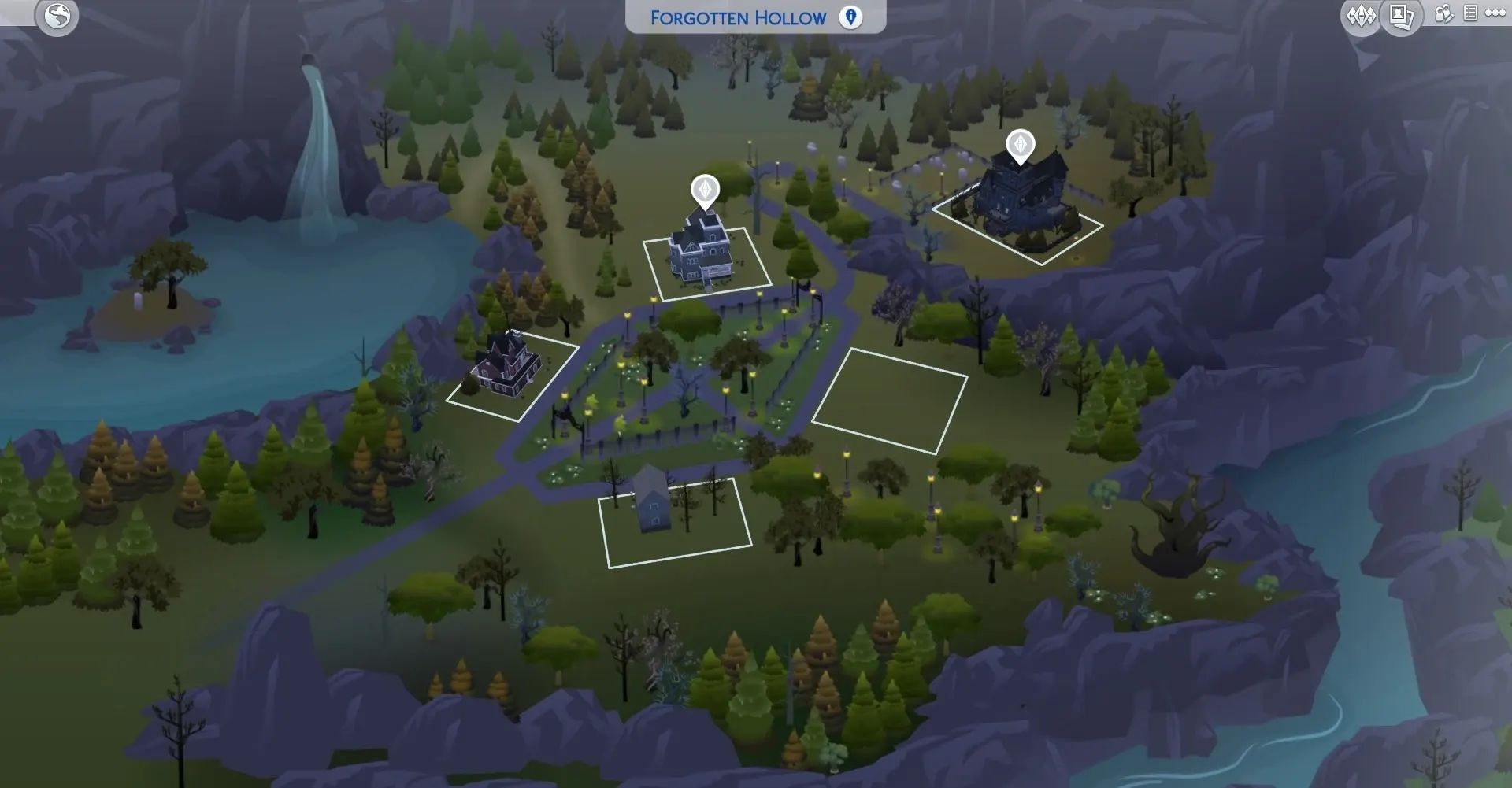
Before / after
Drag the handle to compare the original Forgotten Hollow map with the Chatelain replacement.
How to install
- 1Download the
.packagefile using the button on the right. - 2Place it inside
Documents/Electronic Arts/The Sims 4/Mods/ - 3If this is your first mod, enable Game Options → Other → Custom Content and Mods and restart the game (one-time setup).
- 4Load any save and the new map will appear automatically when you visit Forgotten Hollow.
Installing the optional animation
Install the map using the steps above. If you want the animation, download the animation addon too. Place both files in your Mods folder. Keep the map installed alongside the addon.
Without the addon, the map stays static. You can skip or remove the addon and keep using the map.
Close The Sims 4 before installing. Place both the map package and the optional animation package in Documents/Electronic Arts/The Sims 4/Mods/. If replacing an older version, remove the previous Forgotten Hollow map and animation packages first. Use only one map replacement for Forgotten Hollow at a time.
To return to the static map, close the game and remove only the optional animation package. Keep the map package installed.
Important notes
- Requires Vampires. Without this pack, the map won't appear in game.
- This is a map replacement, meaning it overrides the original Forgotten Hollow map. Don't install another replacement for the same world at the same time.
- Save files are not affected. You can install or remove this mod safely without losing progress.
- If you previously had another map mod for Forgotten Hollow, delete it before installing this one.
Map not showing up?
Make sure custom content is enabled, the file is inside Mods/(sub-folders are fine, up to five levels deep), and that you fully restarted The Sims 4. If it still doesn't work, report a problem and attach your LastException.txt file.
FAQ about Forgotten Hollow
Does this change the original map design?
The original map design is preserved. I've changed the visual style, quality and definition of the artwork.
Do I need the animation addon?
No. The map works on its own and stays static. For animation, download and install both the map and the optional animation addon.
Which pack do I need?
This map replaces Forgotten Hollow from The Sims 4 Vampires, so you need that game pack.
Does this change my lots or the playable world?
No. This is a replacement for the world map artwork, with an optional animation layer. Your lots and the playable world are not changed.
Can I remove the animation later?
Yes. Close the game and remove only the optional animation package. Keep the map package installed to use the static version.
Discussion

Join the conversation on Patreon
Questions, feedback, or want to share your screenshots? Discussion happens on Patreon where you can engage with other patrons and me directly. Found a bug instead? Report it here so it's tracked properly.
Sign in with Patreon or request a one-time link by email. Public downloads do not need a membership.
Login with PatreonSign in by email